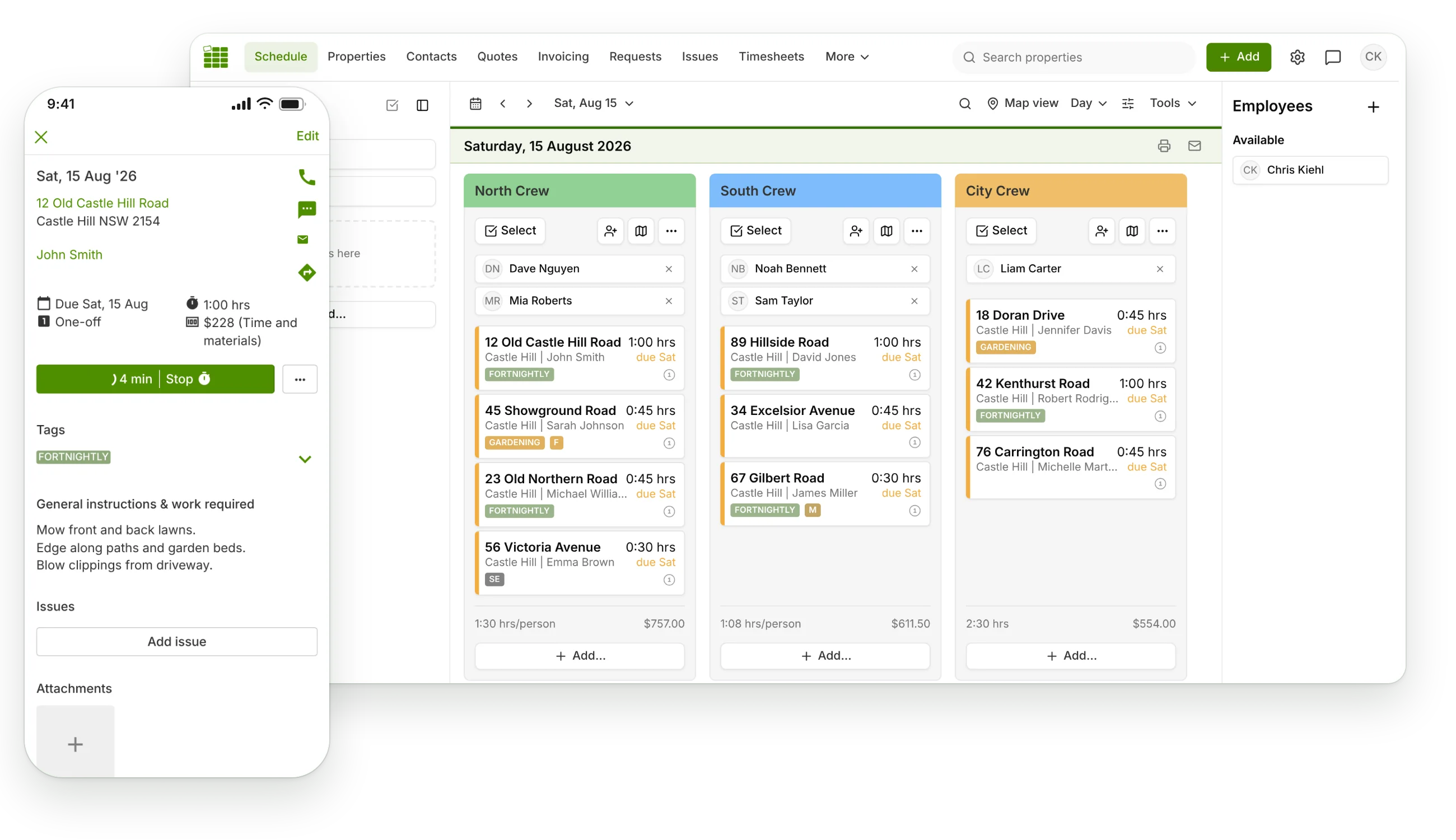
One-click route optimisation
Open the map view for any job run and click Optimise Route. SortScape reorders the day's visits into the quickest route so you stop criss-crossing town.

Route optimisation
Every unnecessary kilometre is unpaid time and fuel. SortScape calculates the fastest route through each day's visits with one click, so your crew spends the day on lawns instead of in traffic.
Included on every SortScape plan.
Route optimisation lives inside the schedule, so the optimised order is the order your crew actually works.
Open the map view for any job run and click Optimise Route. SortScape reorders the day's visits into the quickest route so you stop criss-crossing town.
Enter your start time and SortScape calculates an estimated arrival and finish time for each visit, plus when you will be done for the day.
Set your start and end address, whether that is home, the depot, or the tip, and the route is optimised around your real day.
Every visit on the run plotted together, so you can sanity-check the day at a glance before the crew rolls out.
One tap opens directions to the next property with the address already loaded. No copying and pasting between apps.
Optimise runs of up to 25 stops on the Basic plan and up to 150 stops on Premium. Plenty of headroom for big mowing days.
Why it matters
Say your crew does 12 visits a day and poor ordering adds 3 minutes of driving between each one. That is over half an hour of dead time every day, and around 3 wasted hours a week per crew. Route optimisation claws that time back automatically.
SortScape customers have saved more than 10,000 hours of driving so far. Fuel bills shrink too, which matters when you are running utes and trailers all day.
How it works:
Open the map view on any job run.
Set your start time and your start and end address.
Click Optimise Route and review the new order and ETAs.
Your crew follows the run in the app, with directions to each visit.
Route optimisation works hand in hand with repeating visit scheduling. Once the day is ordered, crews track their time on site and completed visits flow straight into invoicing. Want to see what a tighter route is worth? Price a job with the free lawn mowing calculator.
Start a free trial, load your round, and see what the optimised route looks like for your patch.