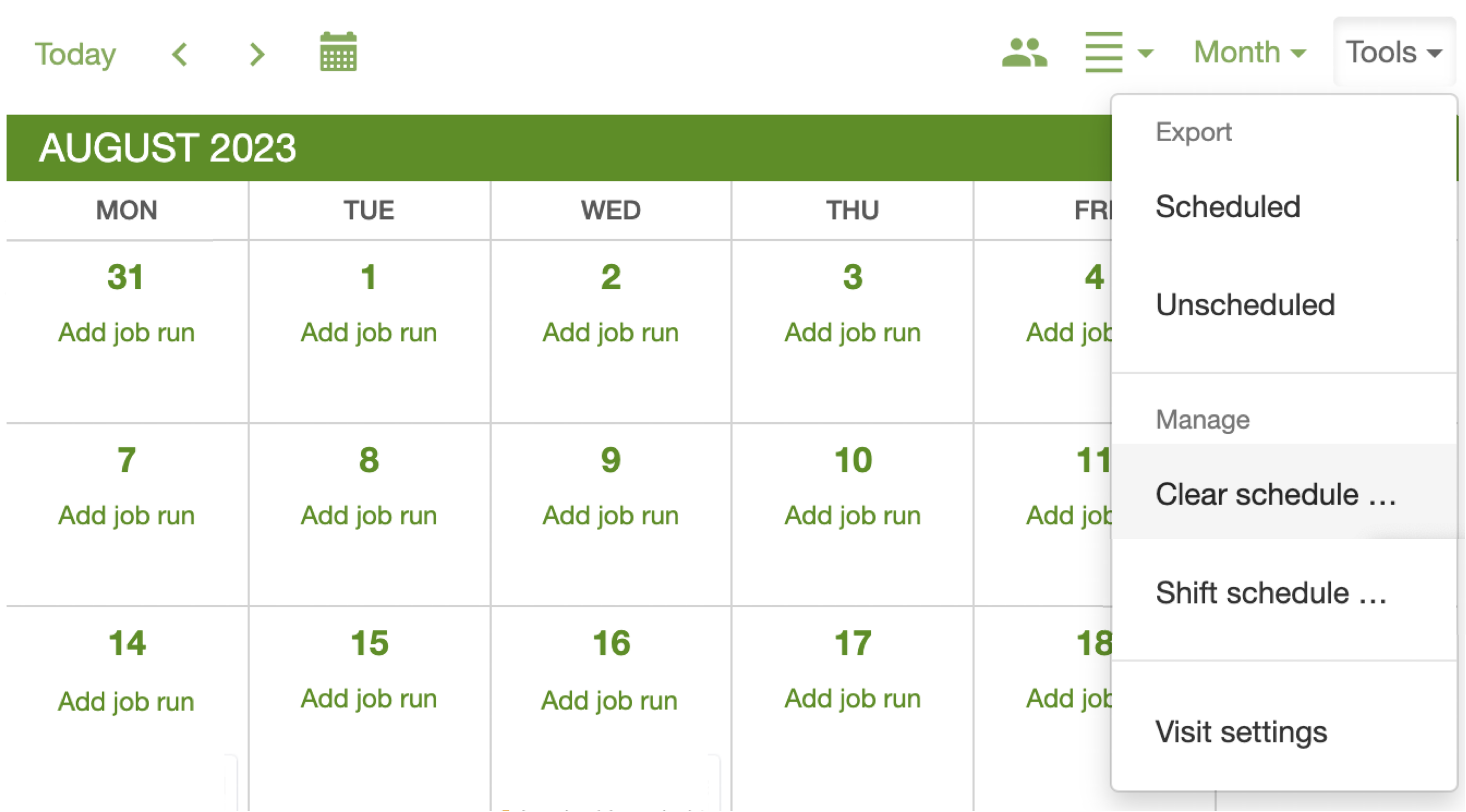
How can I clear my schedule and start over?
Last updated:
Administrators only. Clear schedule permanently deletes every scheduled job (and its job run) on or after the effective date. It cannot be undone. It is not a way to regroup one messy run.
If you only want nearby jobs on the same run, use schedule map view instead.
If you only want jobs out of Unscheduled, select them and Skip. Do not use Clear schedule for that.
Web browser only. The Tools menu is not on the mobile app. Sign in at app.sortscape.com in a browser, then open Schedule.
- Click Tools.
- Click Clear schedule.
- Pick the effective date. Every job on or after that date is deleted.
- Optionally tick Also delete all unscheduled jobs? if you want those gone too.