

February 2025: Video tutorials, map view, and invoicing
Last updated:
This update was emailed to customers on 14 February 2025. Each item below links to the full how-to article where one exists.
Video tutorials
Section titled “Video tutorials”Help articles are useful, but it is faster to watch someone do the steps.
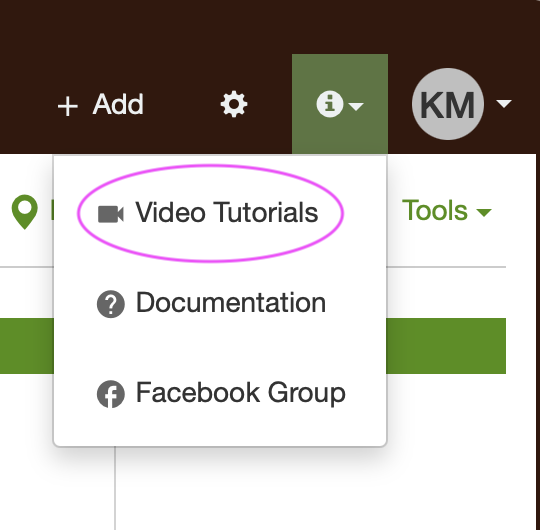
A set of video tutorials is in the app. On desktop, open Video tutorials from the help menu in the top right. On the mobile app, open it from Settings.
See How can I learn more about SortScape and how to use it?.
Schedule map view
Section titled “Schedule map view”A list of visits does not show you when two crews are driving past the same street on different days.
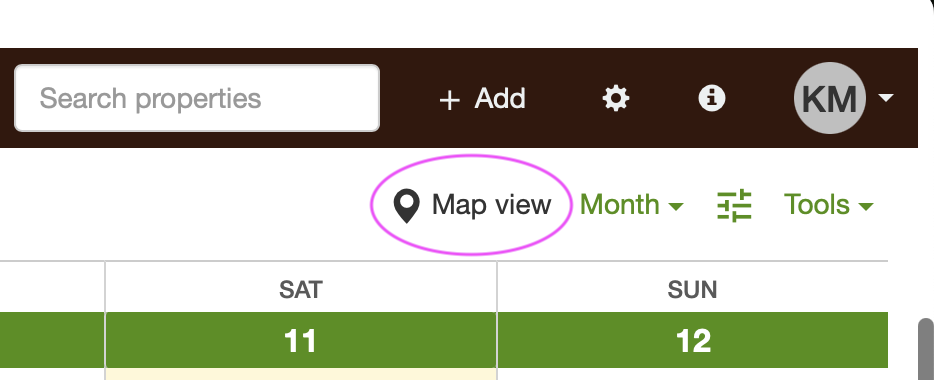
Map view puts upcoming visits on a map, colour-coded by job run, so you can spot overlaps and move a visit to a closer run.
See Schedule map view.
Email a service report to the client
Section titled “Email a service report to the client”Clients often want a record of what was done, especially when they were not home.
You can generate a PDF job report from a completed visit and email it in a few clicks.
See Sending a job report to clients.
Send invoices without Xero or QuickBooks Online
Section titled “Send invoices without Xero or QuickBooks Online”Smaller businesses still need to invoice, but they do not always need a full accounting subscription.
If you are in Australia, New Zealand, or the United Kingdom, you can create and send invoices from SortScape.
See Invoicing customers.
Multiple line items on a visit
Section titled “Multiple line items on a visit”The older invoice settings made it hard to put more than one charge on a visit.
Invoice settings on a visit now take several line items. Accounts created since October 2024 have this by default.
See Setting the invoicing basis for a visit. Older accounts still use Setting the invoicing basis for a visit (old).
Other tips
Section titled “Other tips”- If a job ran longer than the estimate, log the extra time with the visit timer. That records hours on that visit only. See Visit timer. To change the estimated time on one visit in a series, see Update one visit in a repeating series.
- To move the whole schedule earlier, use Tools → Shift schedule and enter a negative number of days. See How can I pause my repeating jobs?.
- To work Sundays, open Settings → Visits → Visit settings and set Week days worked to Monday to Sunday. See Does SortScape allow me to schedule visits on weekends?.
- Deactivating an employee keeps their timesheet history. See Deactivating employees.