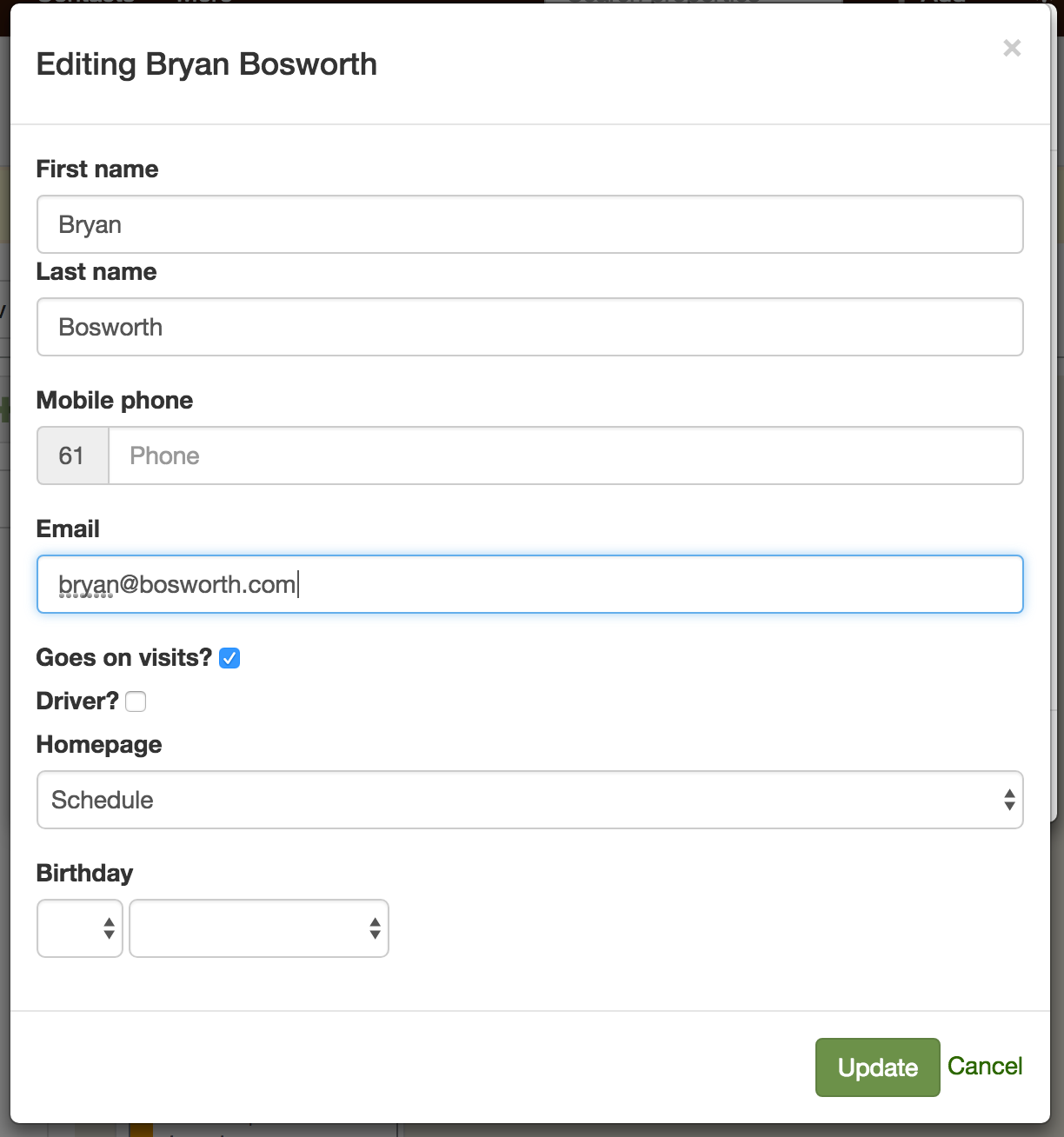
How do I update my email address?
Last updated:
To change your email address:
-
Log into SortScape
-
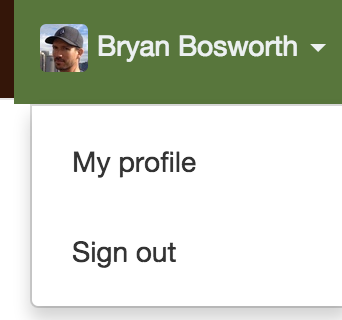
Click your profile picture or initials (top right), then choose View profile.
-
On the dialog that appears, click on the “edit” button in the upper right hand corner.
-
Change your email address in the “email” field. Then click the “update” button.