

November 2025: Activity log, visit confirmations, and SMS replies
Last updated:
This update was emailed to customers on 14 November 2025. Each item below links to the full how-to article where one exists.
Visit confirmations
Section titled “Visit confirmations”Some customers want a check-in before you arrive. Without a flag on the schedule, it is easy to send a crew and find nobody home.
Turn on visit confirmations, then tick Requires customer confirmation on the visits that need a yes first. Those visits show an orange warning on the schedule. Once the customer gives the go-ahead, mark the visit confirmed and you get a green tick.
See Visit confirmations.
Activity log
Section titled “Activity log”When something moves, skips, or disappears, you need to know who did it and when.
On Premium, the activity log is an audit trail of changes: who created a visit, when it was completed, skipped, deleted, or moved. Filter by date, action, or user.
See The activity log.
Top-level SMS replies
Section titled “Top-level SMS replies”Customer texts used to live in admin settings. That is too far away when a client is waiting.
SMS replies now sit in the top navigation on desktop, with an unread count. You can also reply from the mobile app.
See Text message replies.
Smart ETAs that update through the day
Section titled “Smart ETAs that update through the day”Route optimisation already estimated arrival and finish times. Those times now keep up as the day changes.
When you mark a visit complete, remaining start times adjust so you can give clients, staff, or family a better ETA. Adding more crew updates the times as well.
See Smart ETAs.
Clock in the whole crew
Section titled “Clock in the whole crew”If the team works together on site, starting a timer for each person is extra taps you do not need.
When you start a visit, you can clock in the whole crew, or just yourself, in one click. Stopping works the same way.
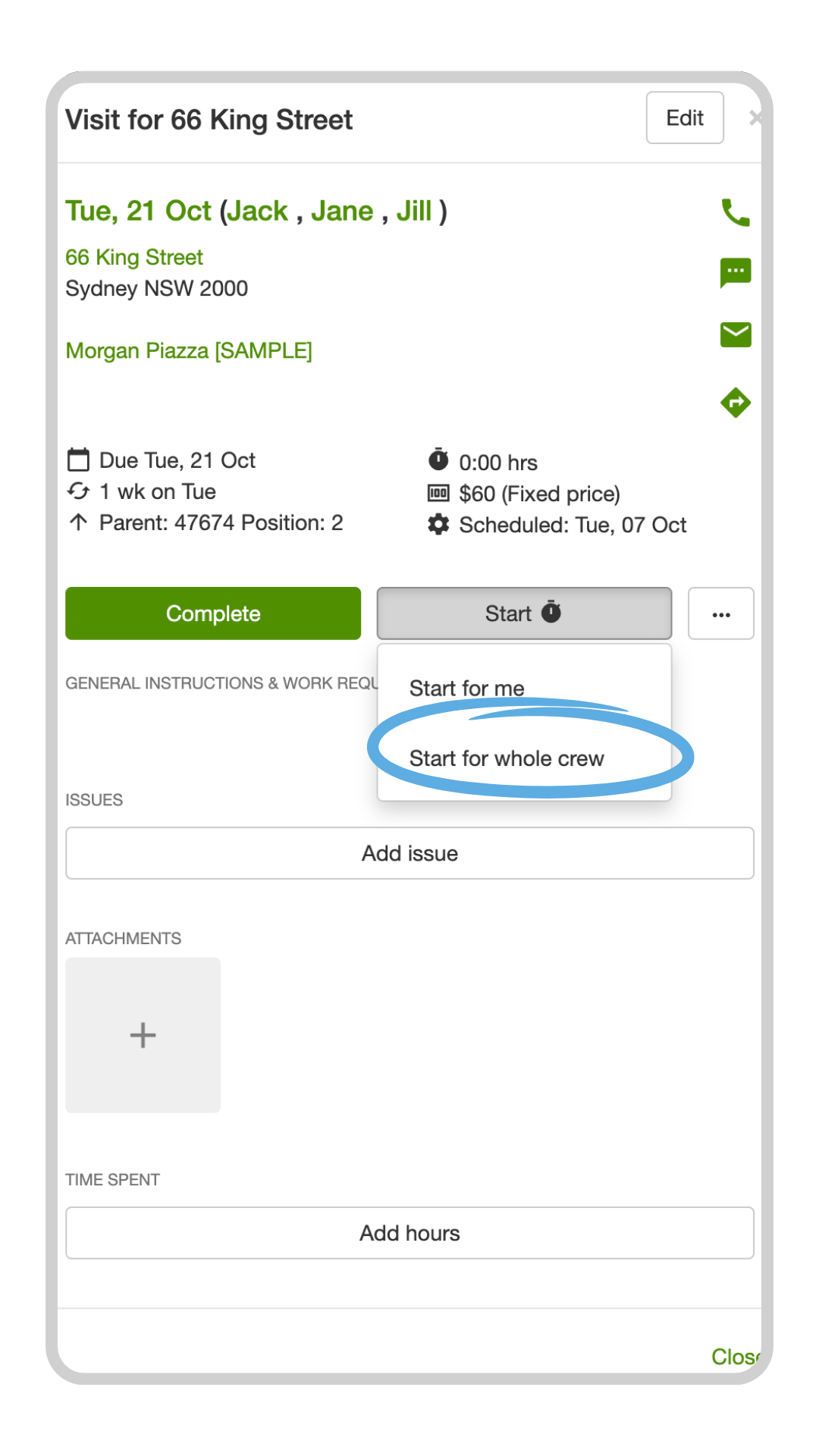
See Starting timers for multiple users.
If you want to find visits by tag (ride-on, gardening, regular mow), use the search visits magnifier on the schedule in a web browser. See Mastering visit tags.