
How do I upload my profile photo?
Last updated:
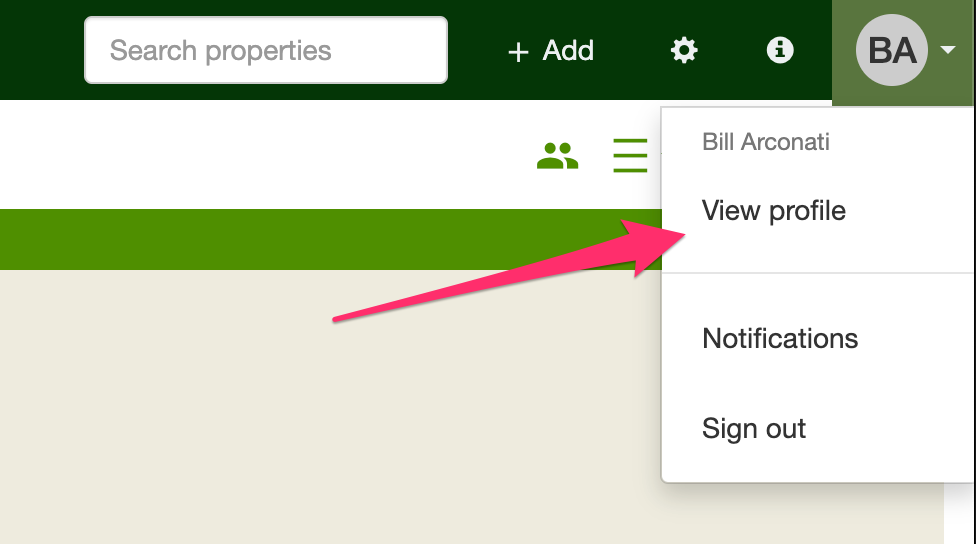
If you log into SortScape from the web browser at https://app.sortscape.com/ then you can click on the “view profile” link from the dropdown in the upper right hand corner of the screen.
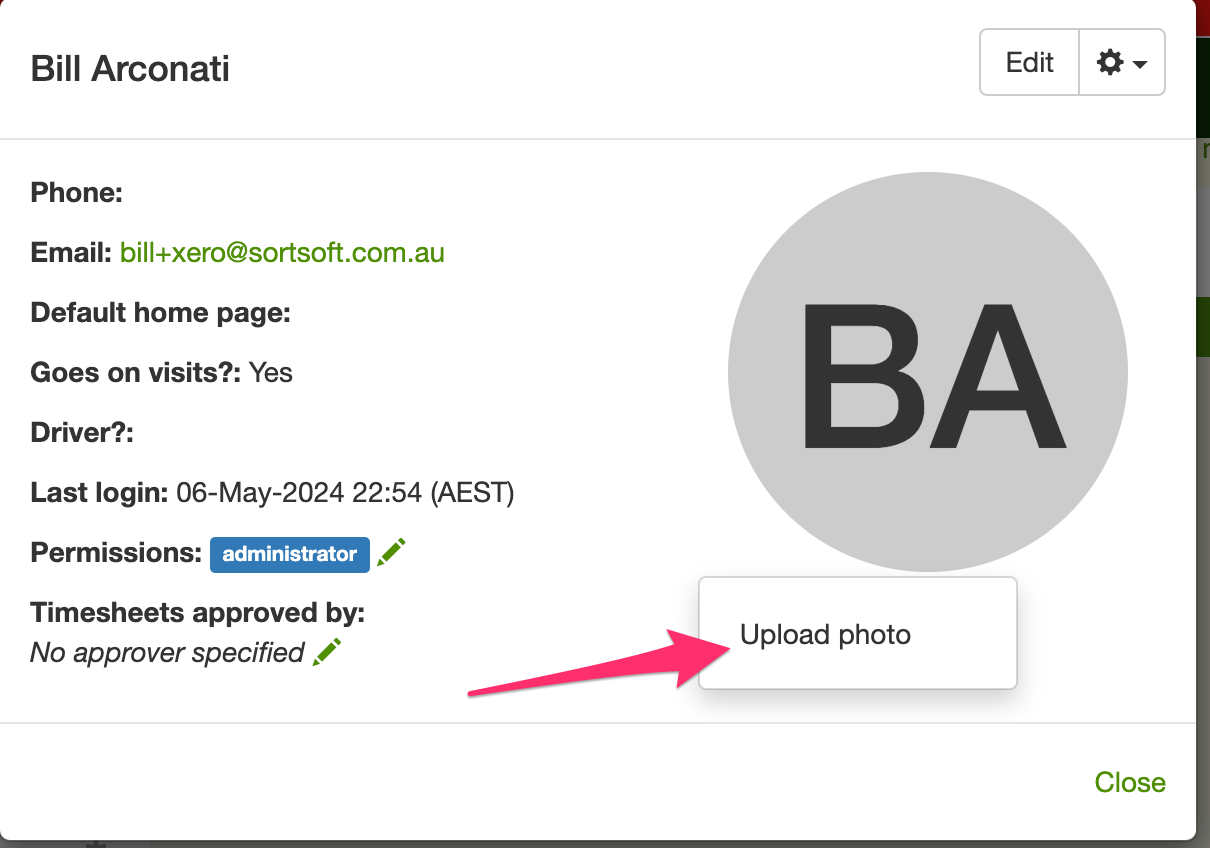
On your profile, click Upload photo under the circle with your initials, then choose a JPEG, PNG or GIF. Your photo replaces your initials. You can also click the circle itself.