How do I change the contact for a property?
Last updated:
To transfer a property from one contact to another, follow these steps:
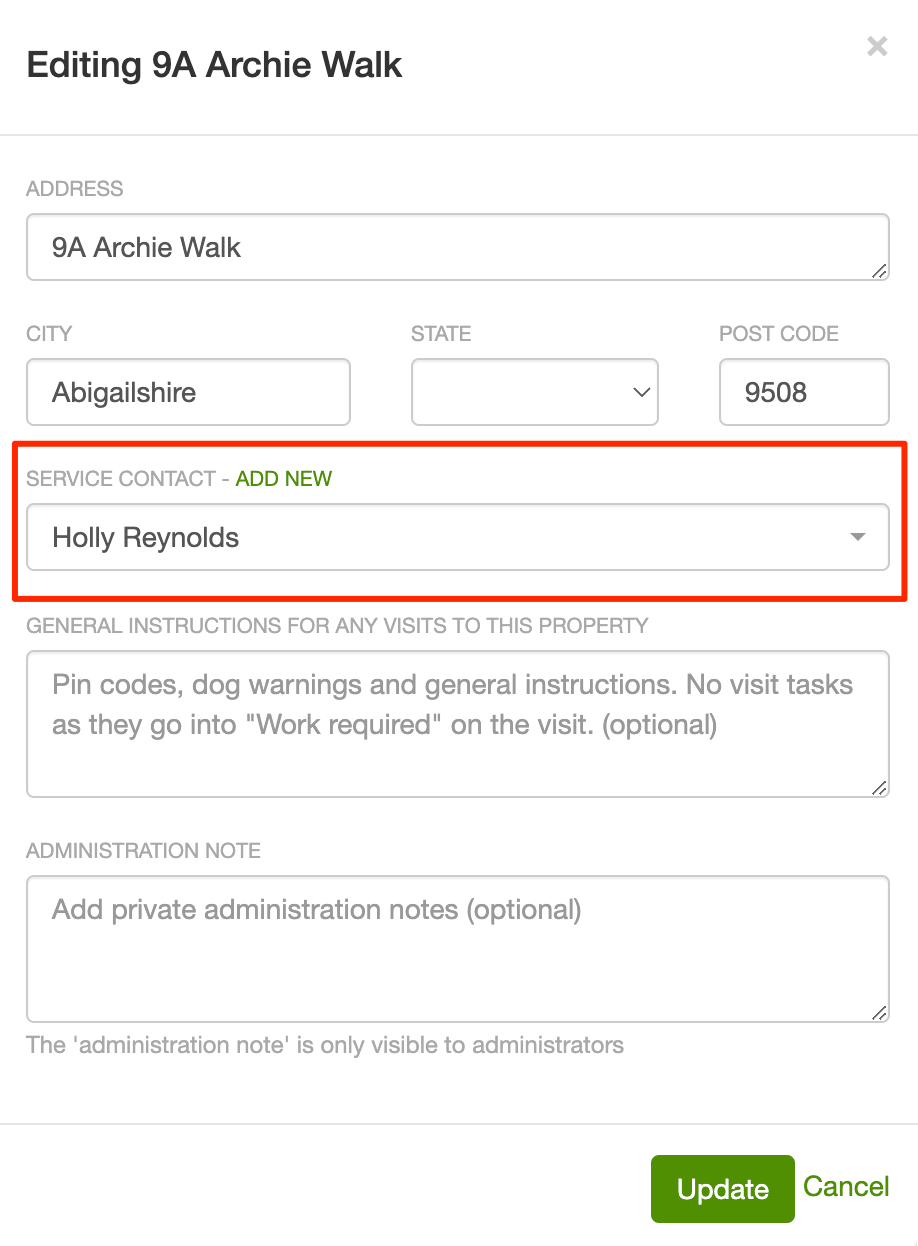
1. Go to the property and click “edit” in the upper right-hand corner of the screen.
2. Select a different contact in the Service contact dropdown or click the “Add New” link to create a new contact.
To change who receives invoices for the property instead, see Changing a property billing contact. To edit the contact’s own details (name, phone, email), see How to update contact details.