

March 2025: Quotes, offline mode, and schedule search
Last updated:
This update was emailed to customers on 28 March 2025. Each item below links to the full how-to article where one exists.
Quotes
Section titled “Quotes”Writing quotes outside SortScape meant retyping the same job when you scheduled the work.
You can create and send quotes on desktop and mobile. Customers can accept them, and you can schedule the visits from the accepted quote. Add your logo so the PDF looks like your business.
See Sending quotes to customers and Company logo.
Offline schedule
Section titled “Offline schedule”No reception used to mean no schedule.
The mobile app keeps the next two days of visits so you can still see what is on for today and tomorrow. You cannot add or change jobs until you are back online.
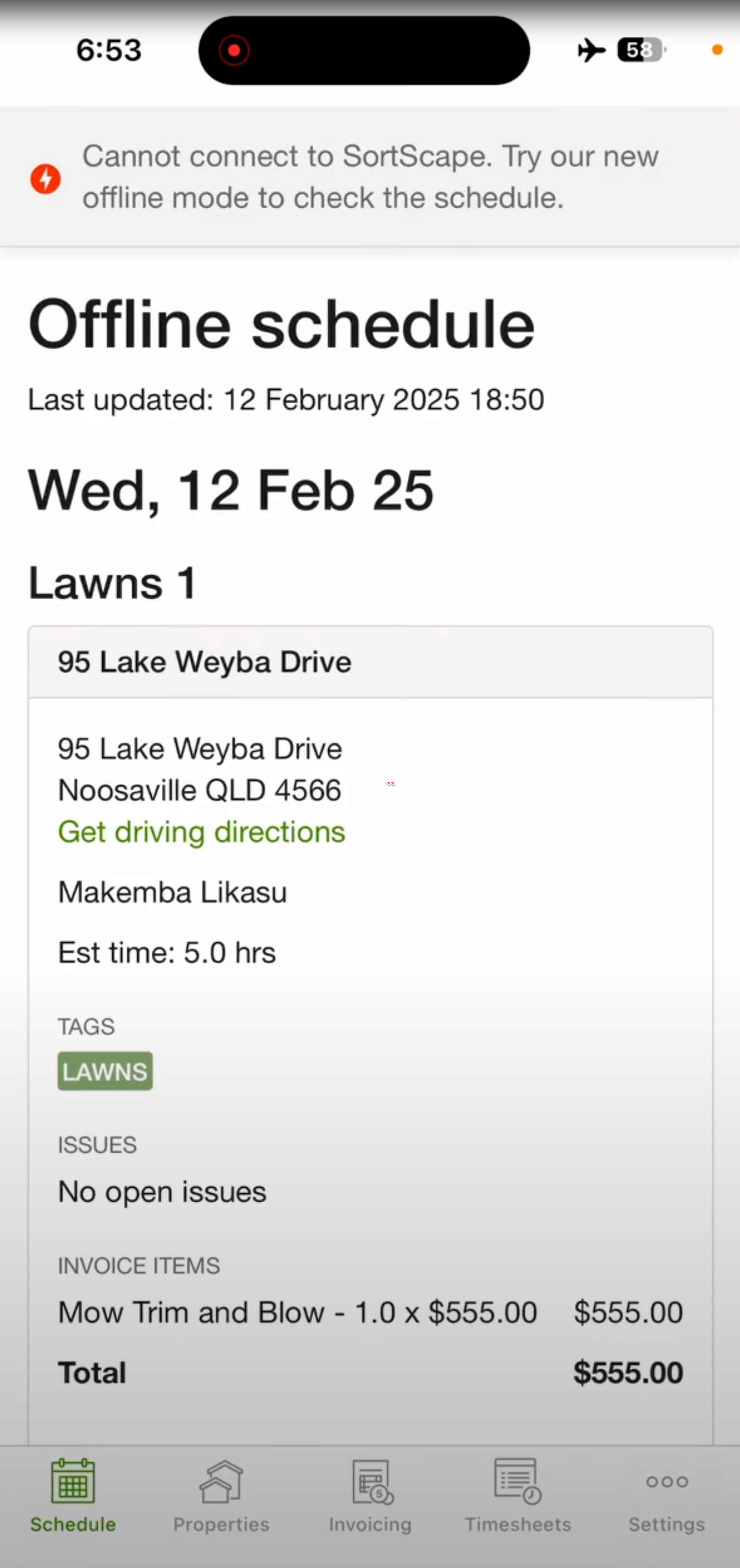
See Offline schedule.
Search the schedule
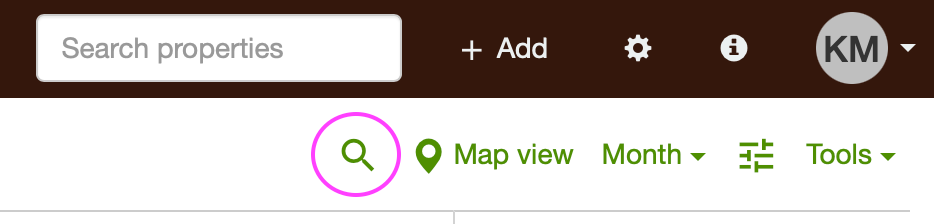
Section titled “Search the schedule”Finding a visit by name, property, or tag used to mean scrolling.
Use schedule search to jump to custom tags, names, properties, and more.
Select all invoice attachments
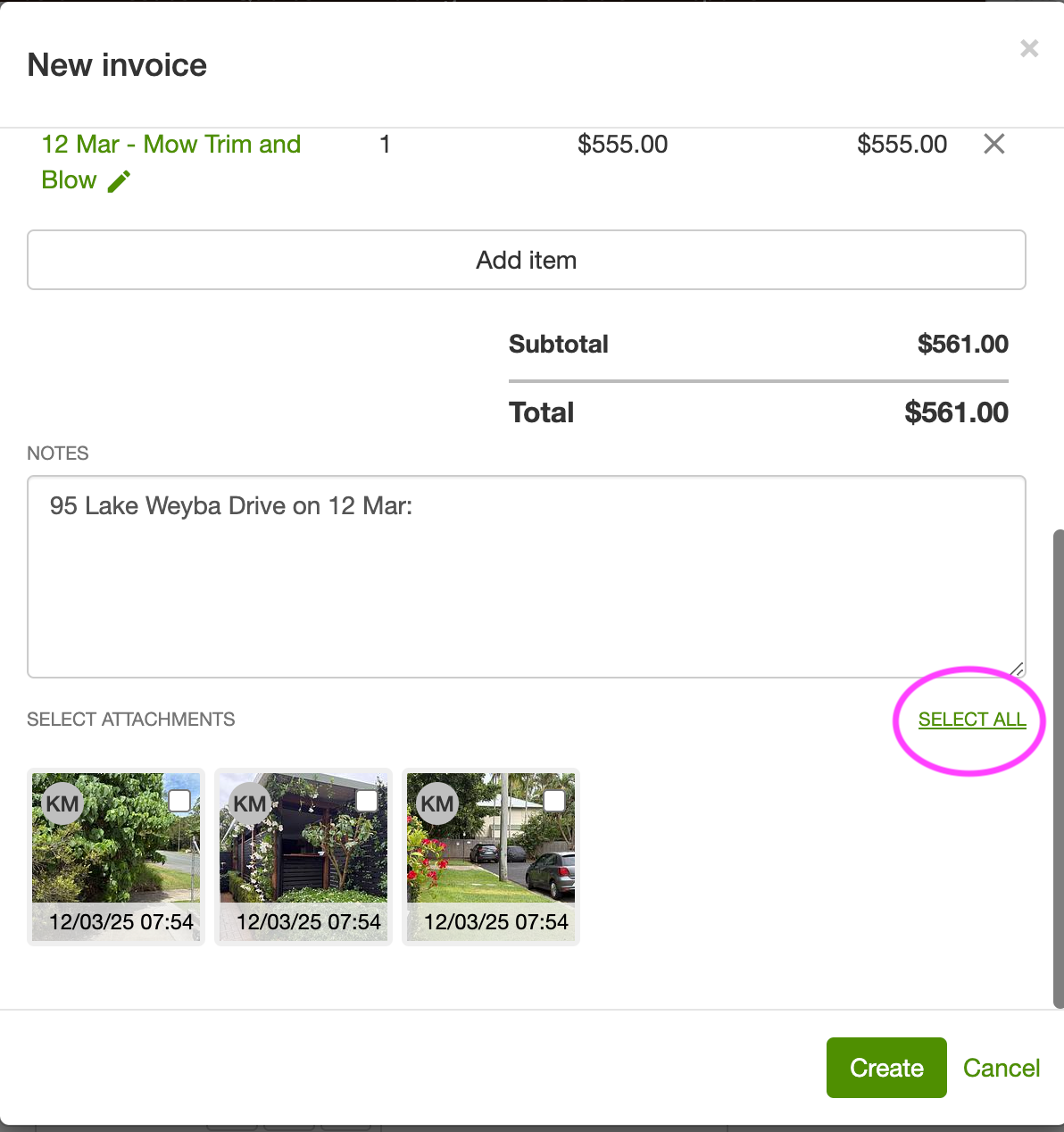
Section titled “Select all invoice attachments”Ticking every visit photo one by one is easy to miss when you send an invoice.
When you create an invoice from a visit, you can select all attachments in one go.
Built-in invoicing in every country
Section titled “Built-in invoicing in every country”Smaller businesses that do not need Xero or QuickBooks Online still need to send invoices.
You can send invoices from SortScape in every country, including the US and Canada.
See Invoicing customers.