

July 2025: Zapier, mobile roster, and more
Last updated:
This update was emailed to customers on 4 July 2025. Each item below links to the full how-to article where one exists.
Zapier integration
Section titled “Zapier integration”Copying contacts between SortScape and the other tools you already use is easy to get wrong, and it is slow.
On Premium, Zapier can connect SortScape to thousands of apps without writing code. Examples: create a SortScape contact when a lead lands in your CRM, keep Mailchimp in sync when a contact changes, or send a Google review request when a job is marked complete.
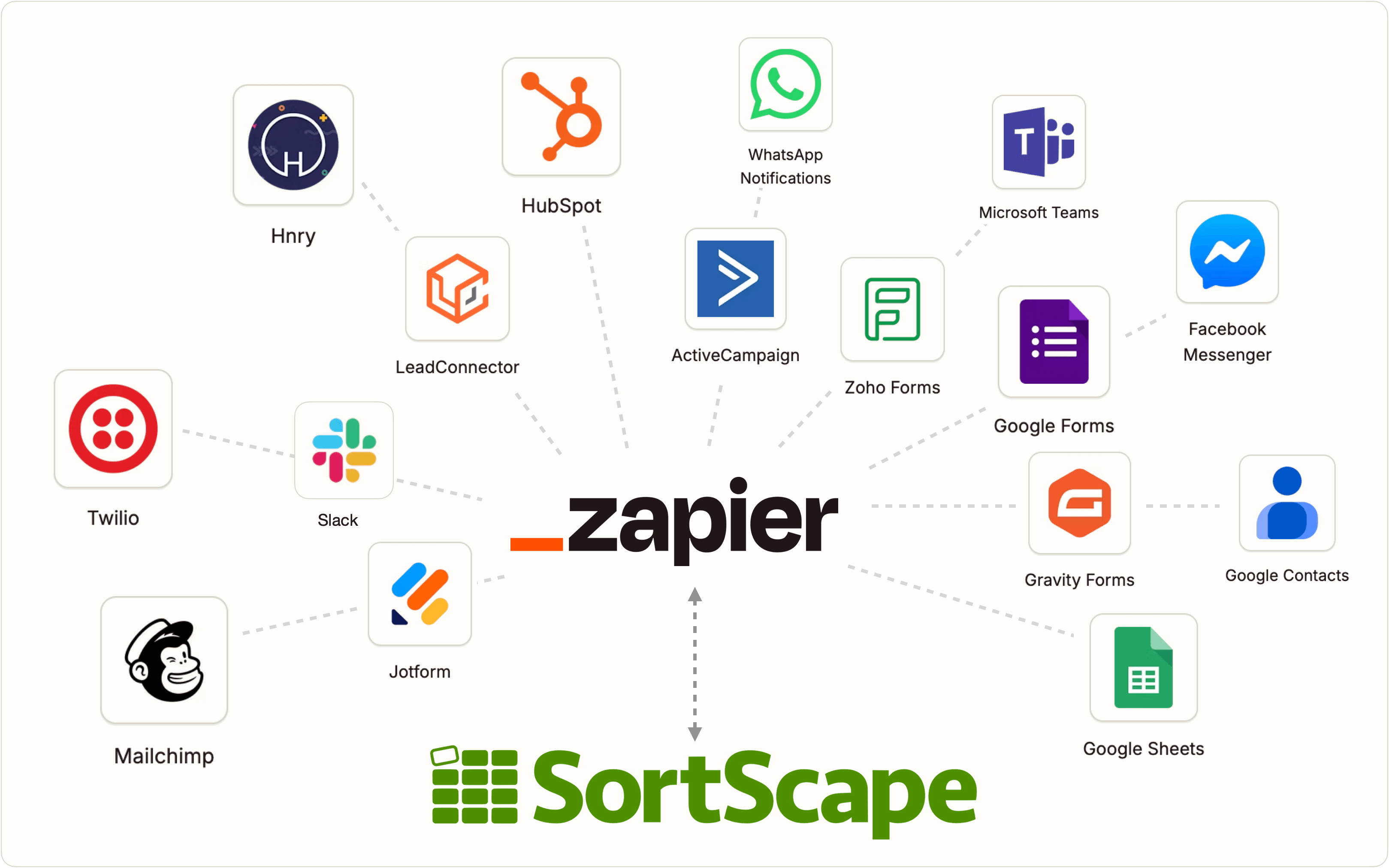
See Using Zapier to connect to other apps.
Employee roster on mobile
Section titled “Employee roster on mobile”Staff used to need a computer to update availability. That is inconvenient when they are already on the tools.
The roster is in the mobile app. Staff can update availability from their phone, and you can see who is available each day. Your own name sits at the top of the list so you can change it quickly.
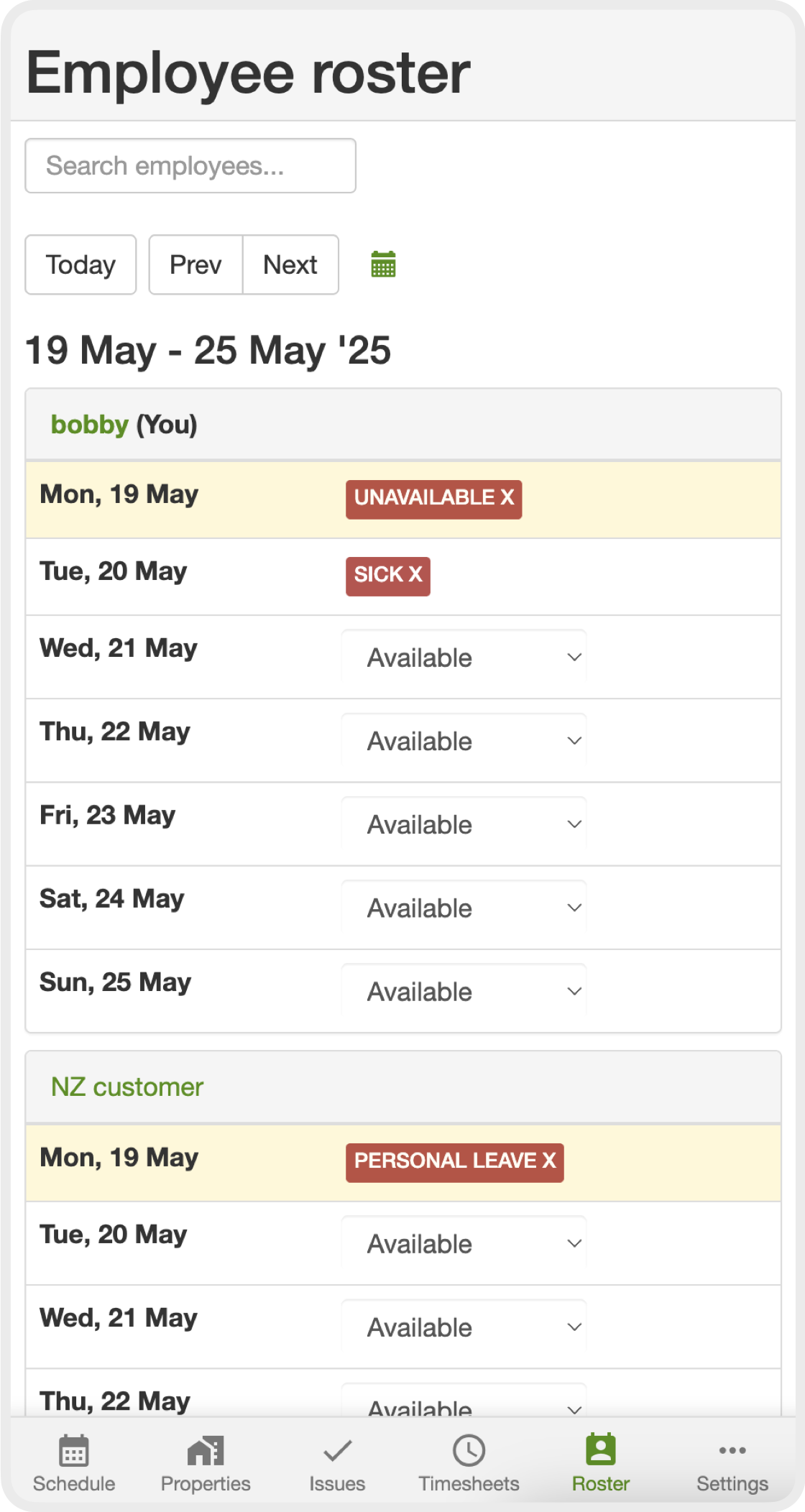
See Setting employee availability on the roster.
Issue notifications
Section titled “Issue notifications”Assigned issues can sit unnoticed until a customer follows up.
You can get email alerts when an issue assigned to you changes. Admins can also turn on alerts for all issue activity. Open your profile menu, then Notifications.
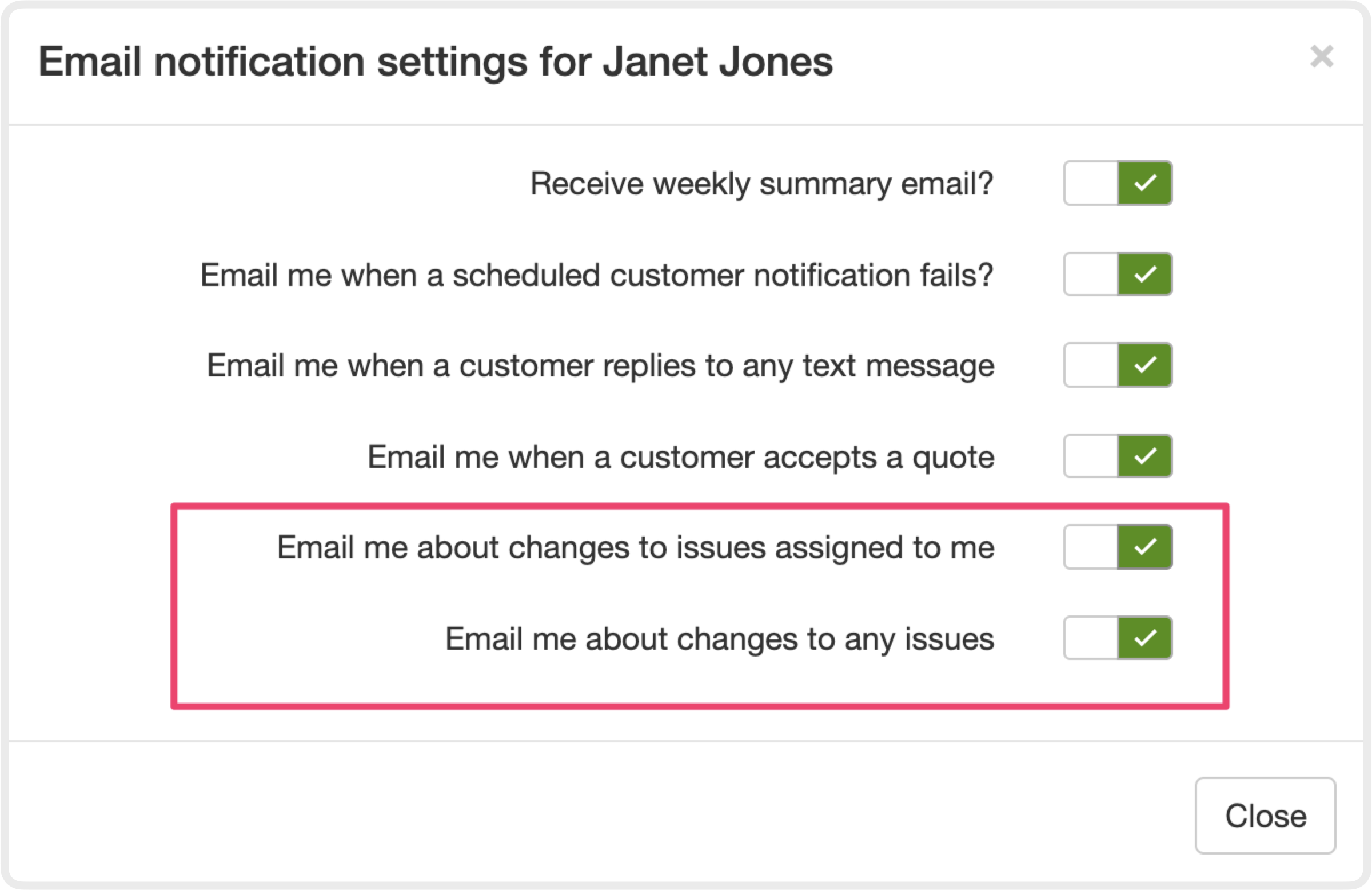
See Staying on top of issues and Email and push notifications.
Past visit durations
Section titled “Past visit durations”Estimating how long today’s visit will take is easier if you can see how long the last ones took.
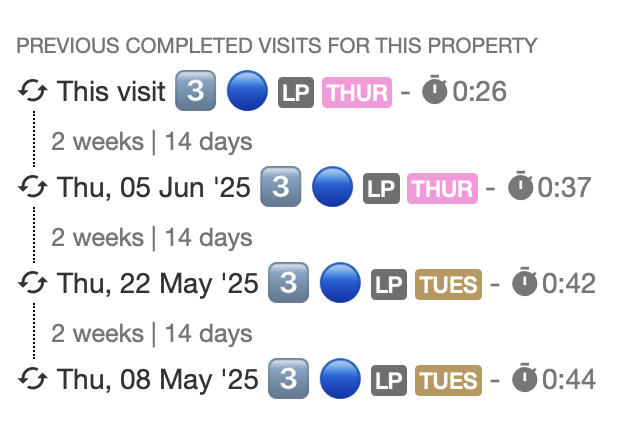
Open a visit and you can see durations from previous visits at that property.
Automatic invoice attachments
Section titled “Automatic invoice attachments”It is easy to forget to tick visit photos when you create an invoice.
Turn on Automatically add visit attachments to new invoices so those files are selected for you.
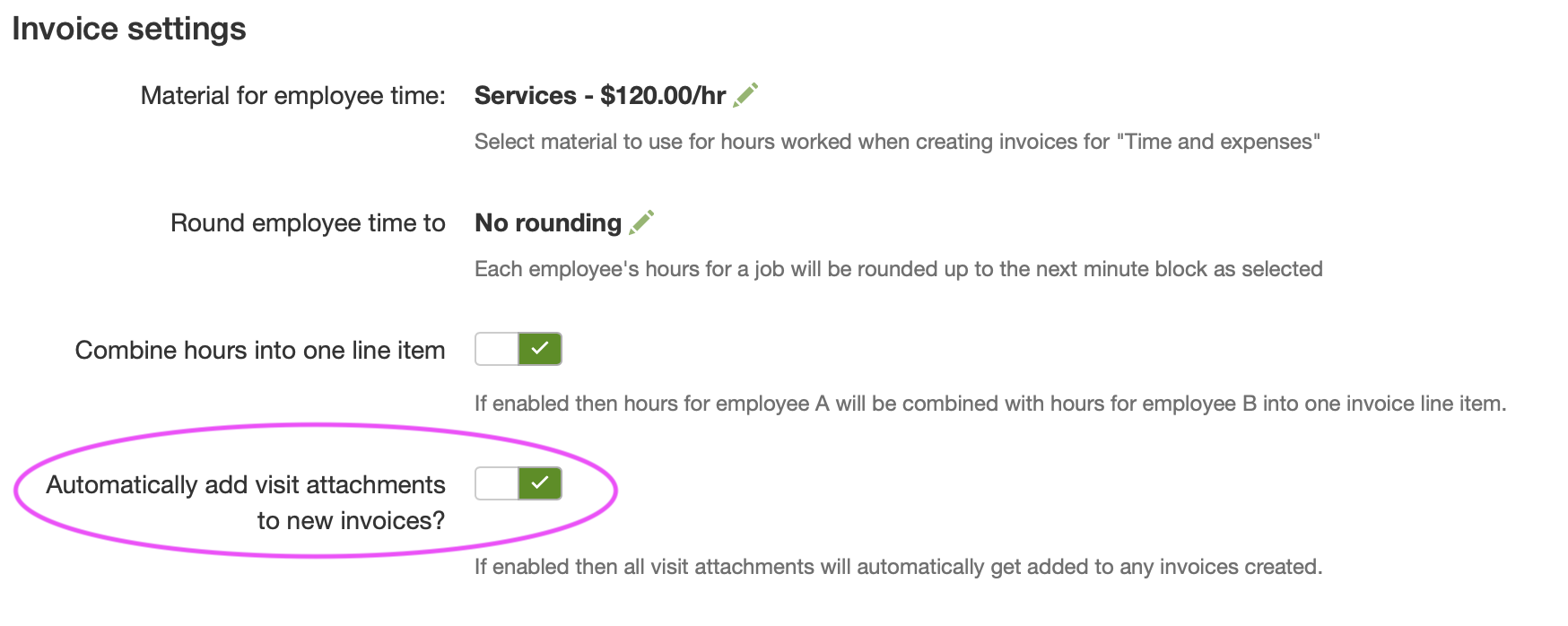
See Automatically add visit attachments to new invoices.
Other improvements
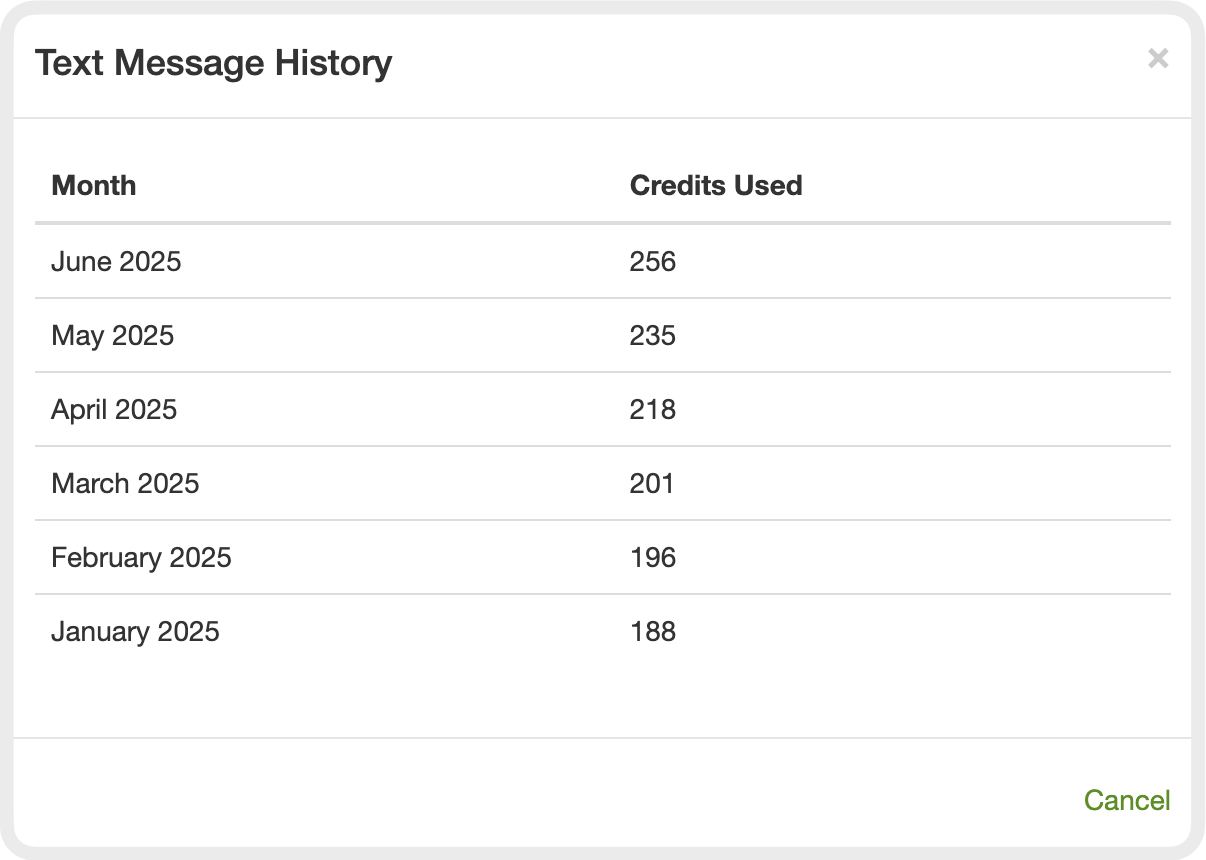
Section titled “Other improvements”- Check text message usage over the last six months from the customer messaging screen (View history), or from Settings → Messaging → Sent messages. See Recent messages.
- Two growth reports on the Reports screen: Properties added per period (how many properties you added each month and year) and Properties added over time (which properties were added, excluding those that never had a visit). See Running business reports.