What do all the job icons on the schedule mean?
Last updated:
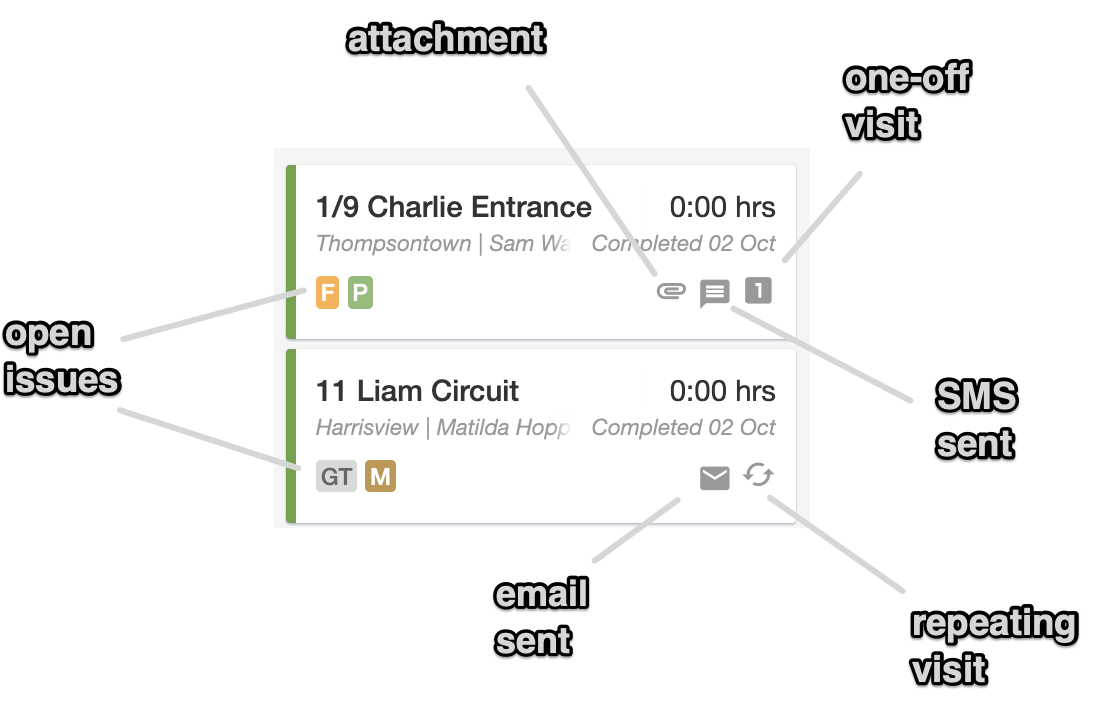
When viewing jobs on the schedule, there are icons to indicate:
- whether there are an open issues for that job
- if there are any attachments on the job
- if a text message (SMS) has been sent for that job
- if an email has been sent for that job
- if it is a one-off or a repeating job
These badges only show open (incomplete) issues. If you open a job and see completed issues with a green tick in the Issues section, that is separate: those are issues completed on that specific job. See Tracking customer requests with issues.
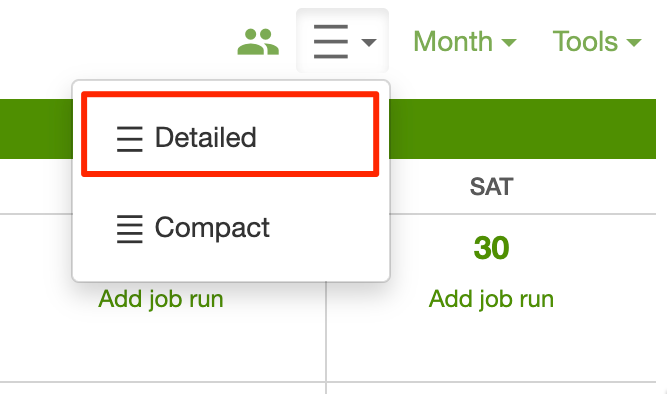
(Note that you need to view the schedule in detailed mode in order to see all the icons)