

How to get turn by turn directions to your next job
Last updated:
To get turn-by-turn directions to the next job:
- Go to the schedule
- Click on the job
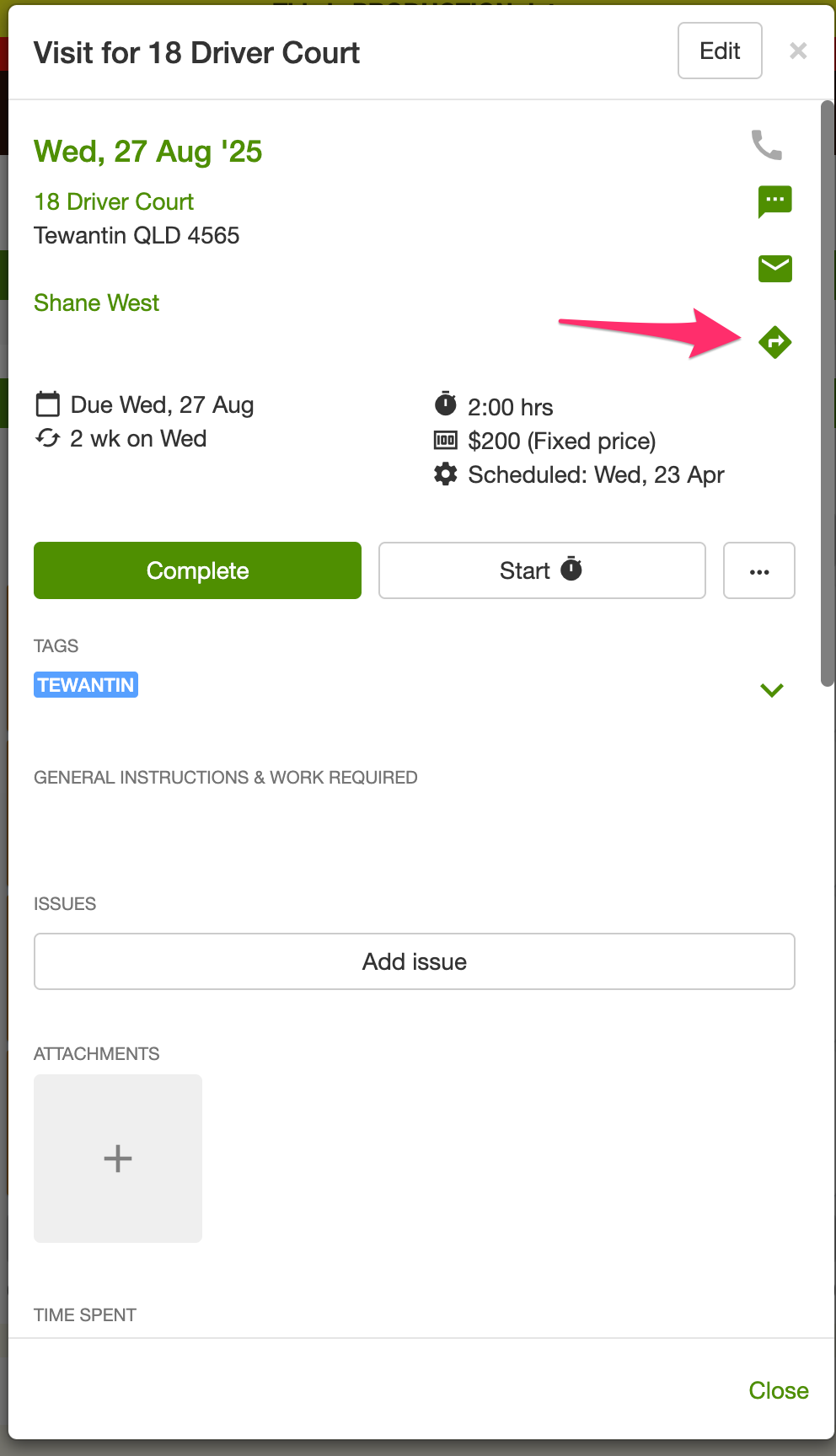
- Once the job opens, click on the “directions” icon you will find on the right hand side of the screen.
- When you click this icon it will open either Google Maps, Apple Maps or Waze depending on what’s installed on your device.
In the car, tap Go on a stop in Apple CarPlay. You choose Apple Maps, Waze, or Google Maps on the CarPlay Settings tab.